AyA Mobile App — Redesign Case Study
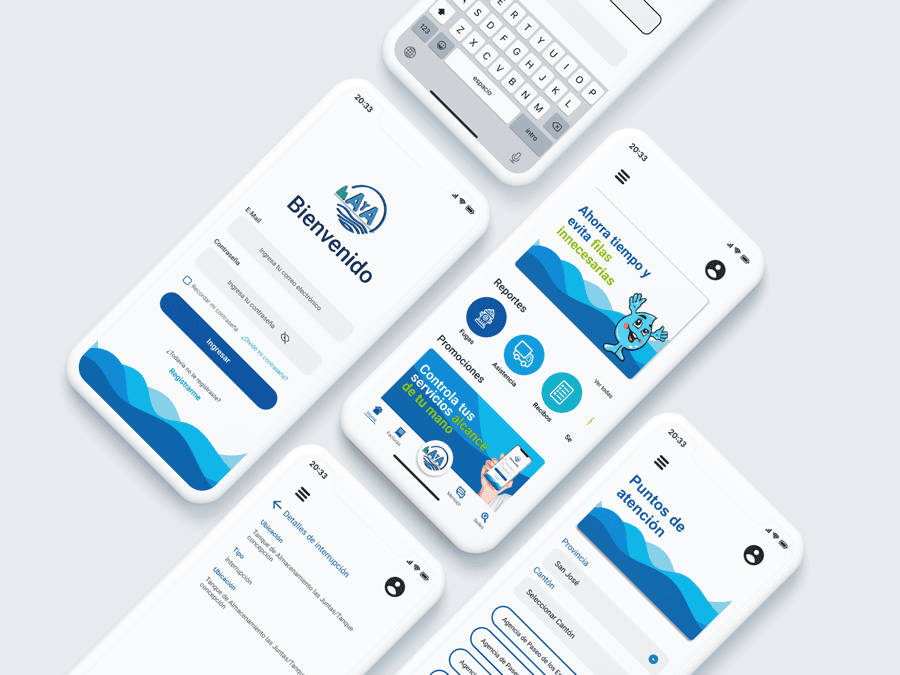
A UX/UI redesign proposal for the AyA mobile application — Costa Rica's national water and sewage utility. The project focused on reducing friction in the payment flow, improving information accessibility, and rebuilding user trust through a cleaner, more intuitive interface.
Project Context
AyA (Instituto Costarricense de Acueductos y Alcantarillados) serves millions of users across Costa Rica. Their mobile app had become a source of frustration — users struggled with a disorganized navigation structure, an unreliable payment flow, and language that felt inaccessible, especially for elderly and rural users.
This redesign proposal was developed as a personal project to practice UX research and end-to-end product design. The goal was not just to make the interface look better, but to solve real usability problems identified through user interviews and qualitative analysis.

Usability challenges
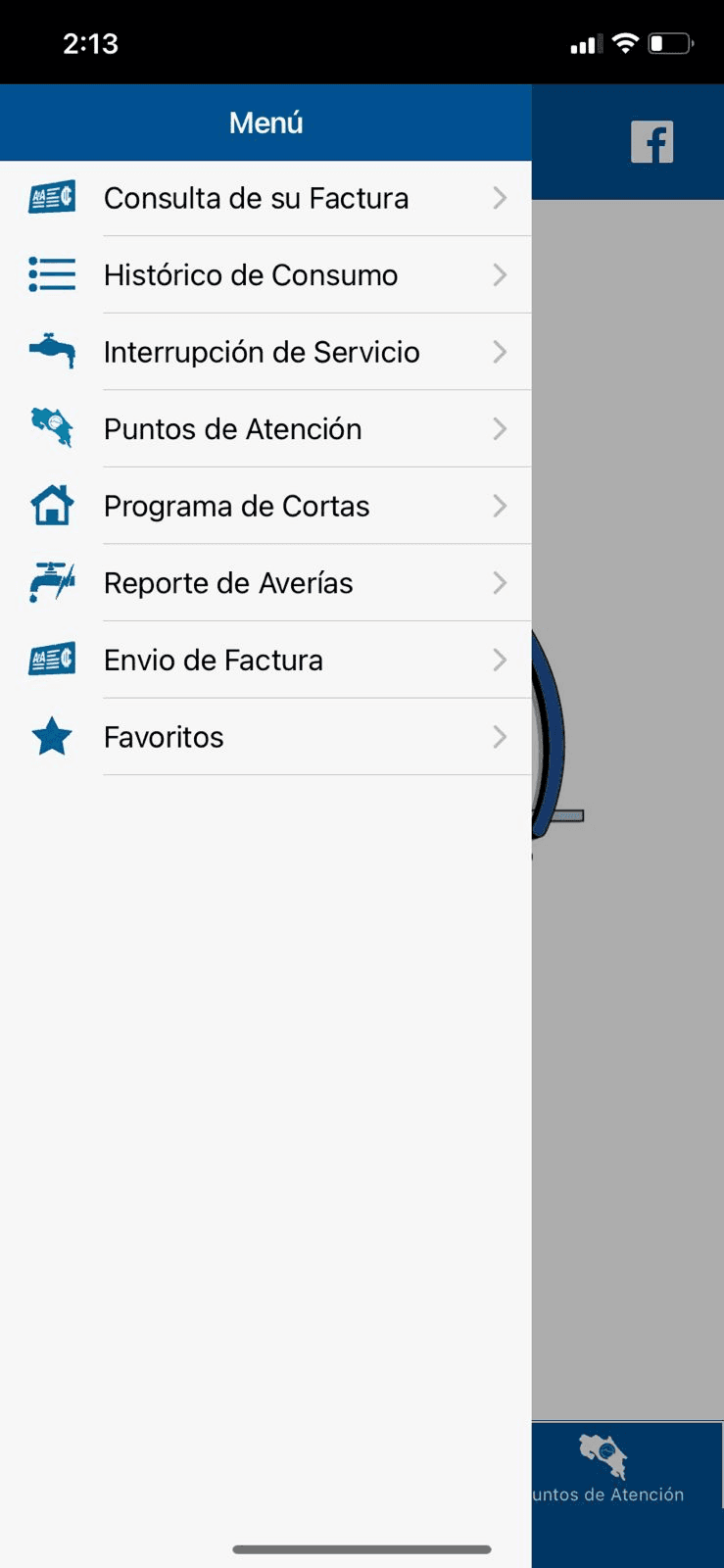
Users described the navigation as disorienting, often resorting to trial and error to find basic features. Important functions like bill payment were buried in complex menus, leading to missed payments and service disruptions.

Information accessibility
Participants — particularly older users and those in rural areas — requested simpler language, larger text, and clearer visual cues. The app assumed a level of technical familiarity that its actual user base did not have.

Trust and transparency
Repeated payment errors and a lack of real-time feedback eroded user confidence. Users reported feeling unsure whether their payment had gone through, and had no way to verify transaction status without calling customer service.
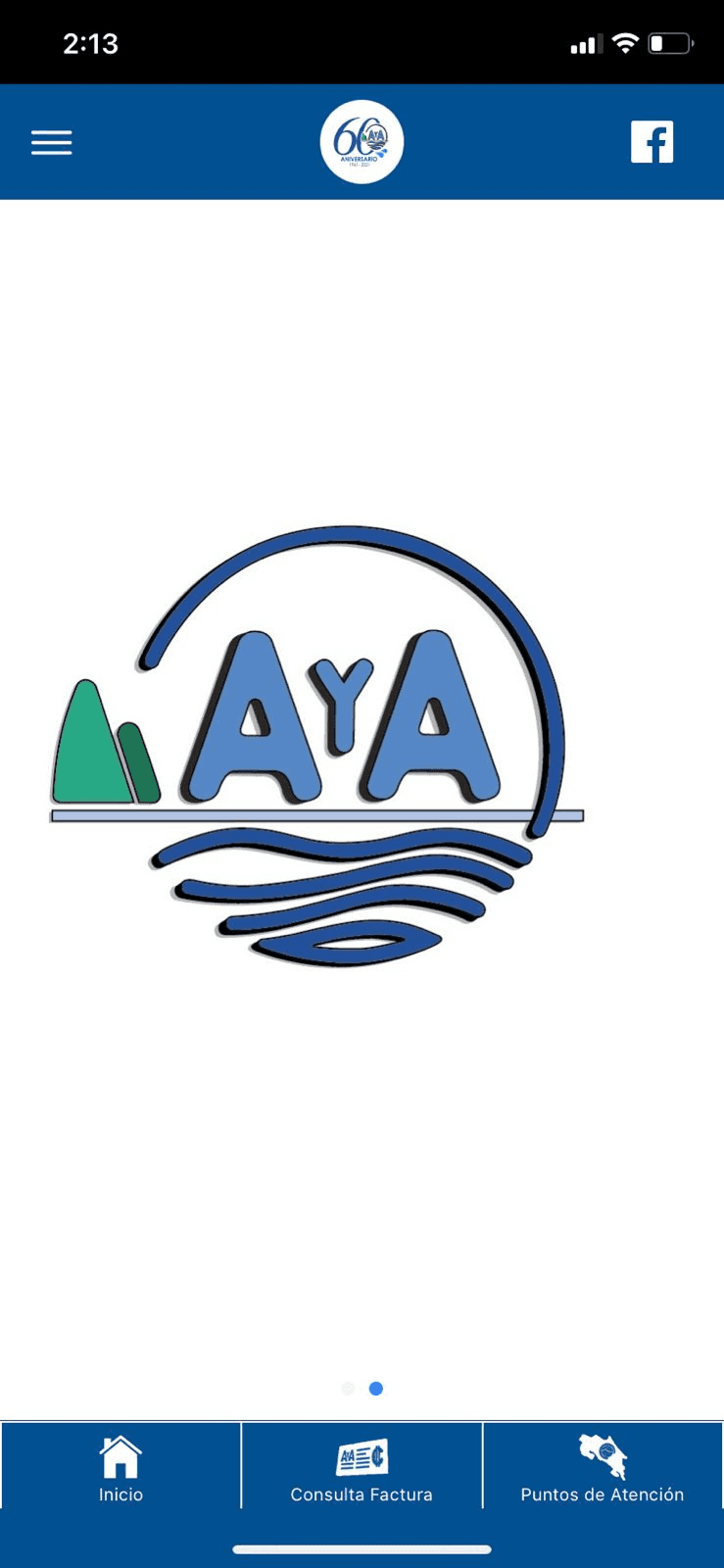
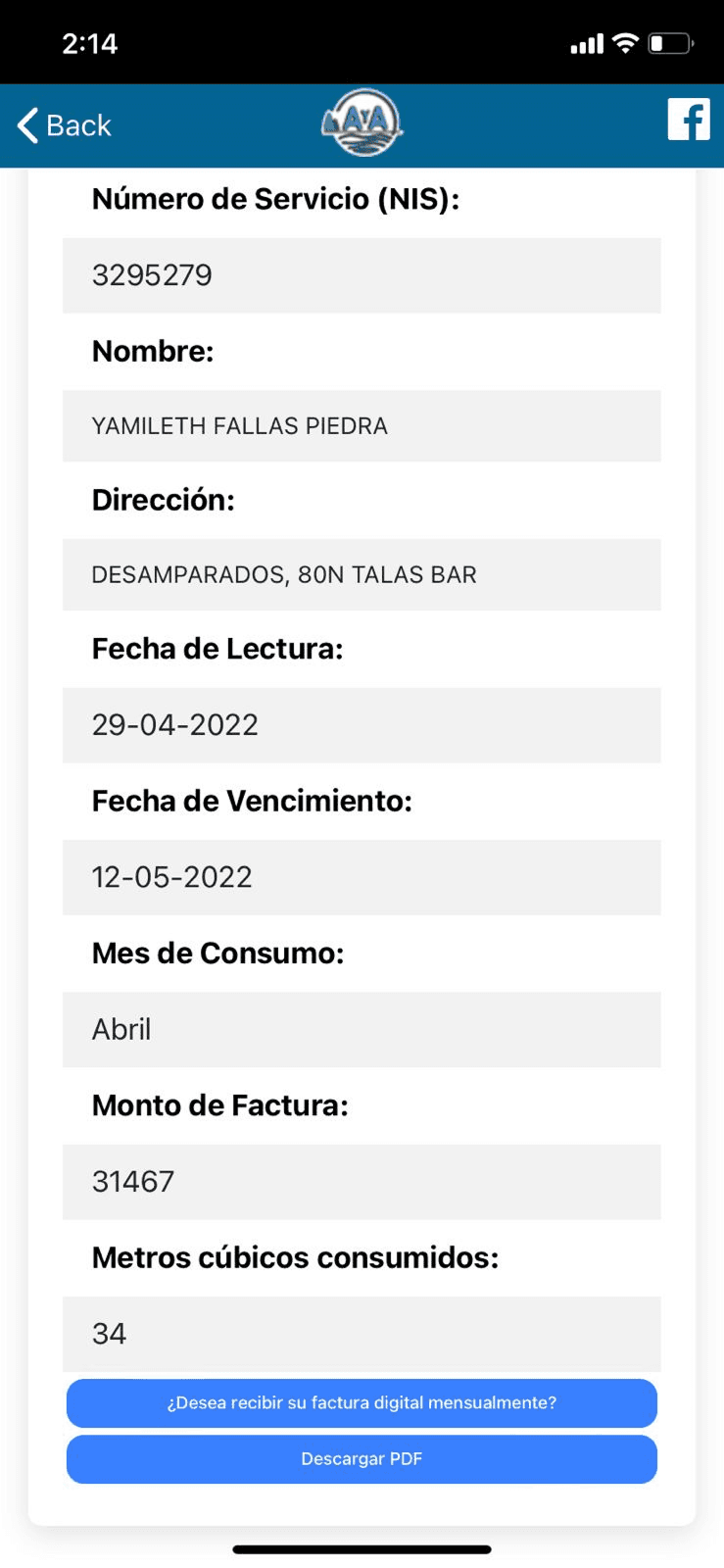
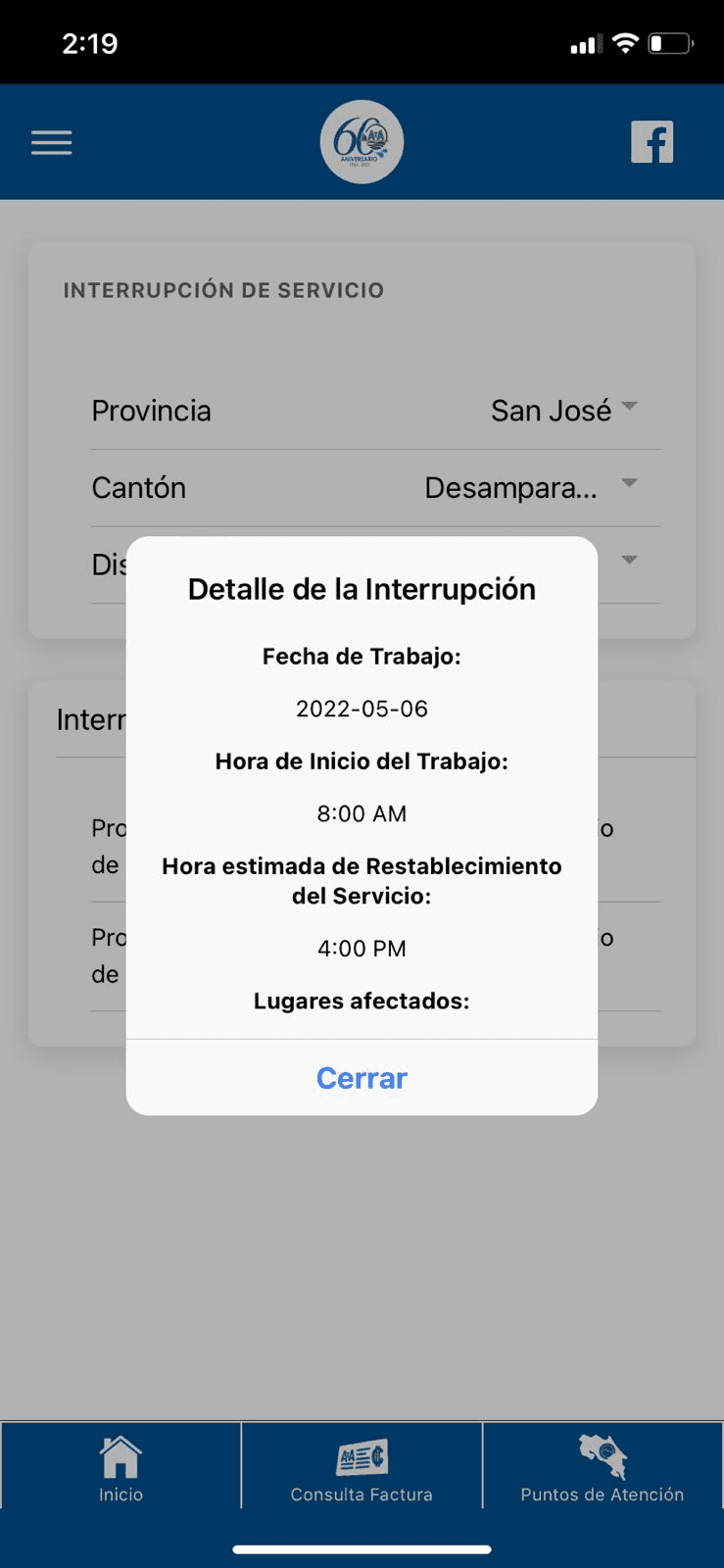
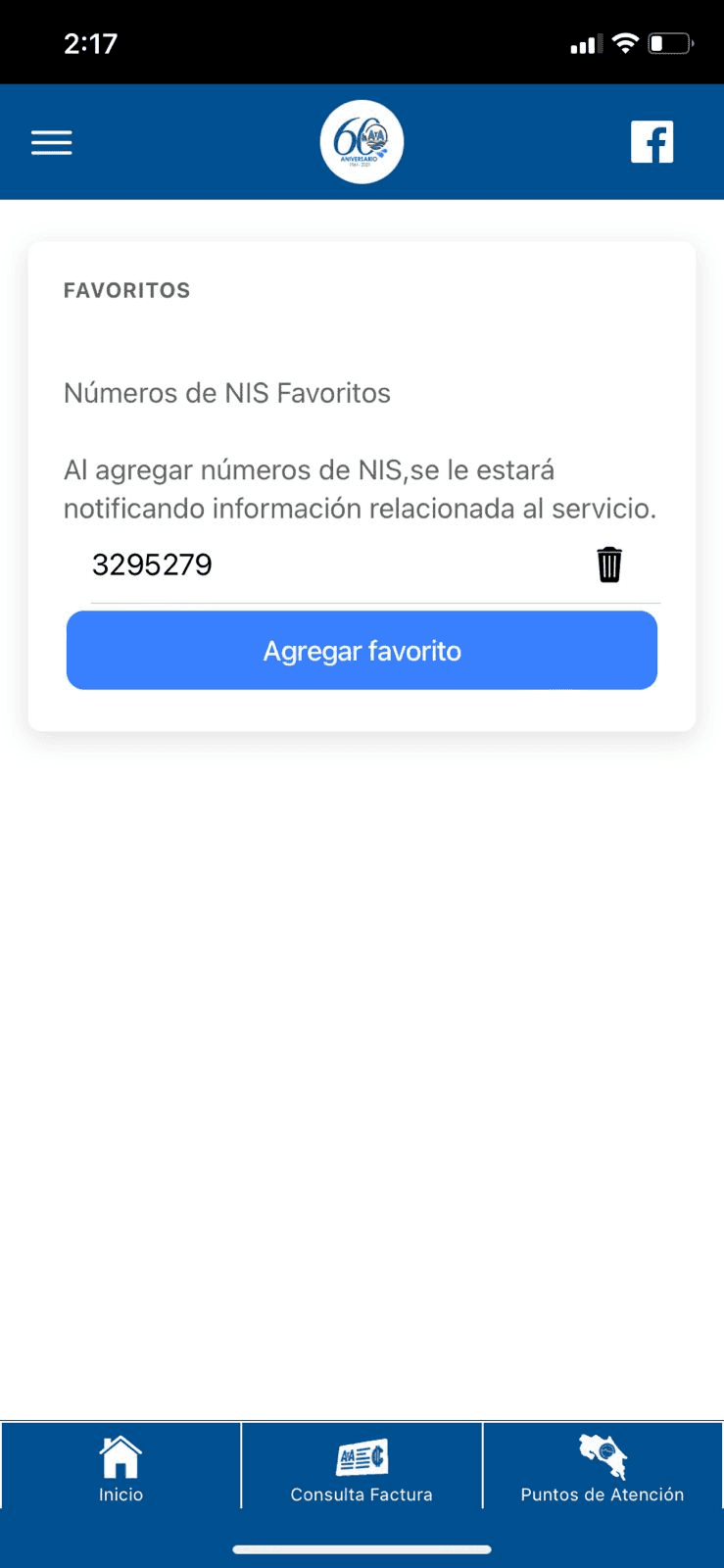
This was the app’s original design
Design Process
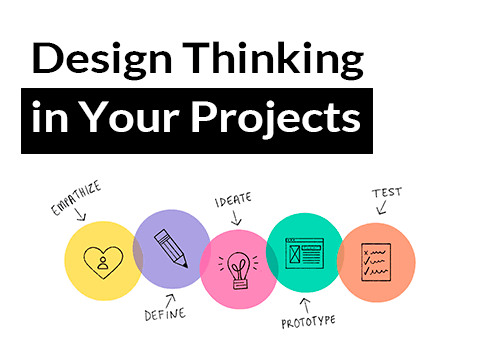
For this project, we applied the Design Thinking methodology. This user-centered, iterative approach allows us to deeply understand and address user needs, validating our solutions at each stage.
Empathy
We engaged directly with users to gain authentic insights into their needs, frustrations, and preferences.
Define
We identified and clearly outlined user challenges to focus the design on resolving their specific pain points.
Ideate
We generated creative solutions tailored to address user concerns and improve their experience.

Prototype
We built early versions of our solution, testing both functionality and user interaction with the new design.

Test
We refined our design based on user feedback to maximize usability and alignment with user expectations.
Conclusions
During testing, users reported that the new interface was more intuitive, and the updated icons and color scheme made the app visually appealing. Additionally, the online payment feature was considered highly useful and a necessary improvement.
This feedback has validated our design approach and confirmed that the redesigned AyA app effectively meets user needs for accessibility, usability, and reliability.
Related Articles
Stay in touch
If you'd like to know about my work and projects, send me an email.
